
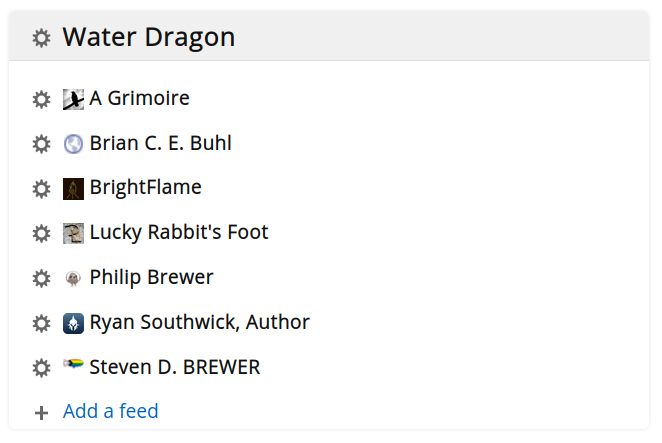
I spent a snowy afternoon setting up FreshRSS at my hosting service. It was a snap. It really only took me about a half hour once I got started and made me wonder what I’d been waiting for. I’ve only just started exploring it’s capabilities, but it seems great so far.
One of my fellow authors at Water Dragon Publishing shared a bit of news at the Discord and indicated she would be providing further updates to her blog, if people wanted to follow her journey. I had been meaning to set up a new RSS feed reader for a couple of years and so this was just the prompt I needed to kick me into gear.
I was an avid user of Google Reader and then, for many years after, ran an instance of TinyTinyRSS (TTRSS) as a feed reader on my home server. At some point, however, TTRSS began to require Docker. When I tried to set it up, it didn’t work right — probably because I got something wrong in the Docker configuration — and I said, “#@&% this!” I wasn’t going to teach myself Docker just so I could play at being sysadmin.
I tried a few other app-based feed readers, but I really wanted something server based. Otherwise, you really can only check your feeds from a single device and I switch among three devices pretty much constantly. I had identified FreshRSS pretty early on as a good candidate, but I wasn’t sure it would play nicely with my hosting service. I had tried to install TTRSS there and that hadn’t worked (which is why I had been running it on my home server).
In the end, I just did it. I downloaded the source, checked the documentation, and got started. I re-used the domain name “feeds.bierfaristo.com” that I had created a few years ago and added hosting. I scp’ed the tar file, untar’ed it, and the pointed my browser at the URL. Bam! I was in business.
I had saved an OPML file of my old feeds, which I went ahead and imported. It was a trip down memory lane. A lot of the feeds were dead, but a surprising number are still good. I’m looking forward to being more intentional about keeping up with feeds again.